Slidesgo vs Prezi: Which AI Presentation Tool is Right for You?
Slidesgo and Prezi are two popular presentation tools, but which one is right for your needs?
Whether you’re preparing a pitch deck, teaching a class, or leading a webinar, choosing the right presentation software makes a big difference in how your message lands.
After testing both platforms across a range of categories like templates, editing experience, AI tools, and pricing, here’s what I found.
Slidesgo is the better option if you want ready-made templates you can quickly edit in PowerPoint, Google Slides, or Canva. It’s perfect for users who want speed, polish, and ease.
Prezi, on the other hand, is ideal for dynamic, non-linear presentations. It’s designed to help you deliver more interactive content, especially with tools like Prezi Video and presentation analytics.
Slidesgo vs Prezi: Quick Verdict
Slidesgo – Best for fast, polished slide decks
Prezi – Best for storytelling and interactive video presentations
In this comparison, I’ll break down which platform is best for different use cases, and walk you through key differences in features, AI tools, workflows, and pricing.
Quick Comparison Table: Slidesgo vs Prezi
Here’s a snapshot of how Slidesgo and Prezi stack up across key categories:
| Feature | Slidesgo | Prezi |
|---|---|---|
| What it is | Template library + AI tools for presentation design | Full presentation platform with video and design tools |
| Best for | Quick, editable slide templates | Interactive, storytelling-style presentations |
| Editing experience | Edit in PowerPoint, Google Slides, or Canva | Build and present inside Prezi’s own platform |
| AI features | AI presentation maker, topic generation | Prezi Video, analytics, and engagement tracking |
| Attribution requirements | Required for free users (keep credit slide) | No attribution, but limited features on free plan |
| Analytics | Not included | Available on Premium tier |
| Learning curve | Low | Medium (non-linear structure takes getting used to) |
Best for AI Presentation Features: Prezi
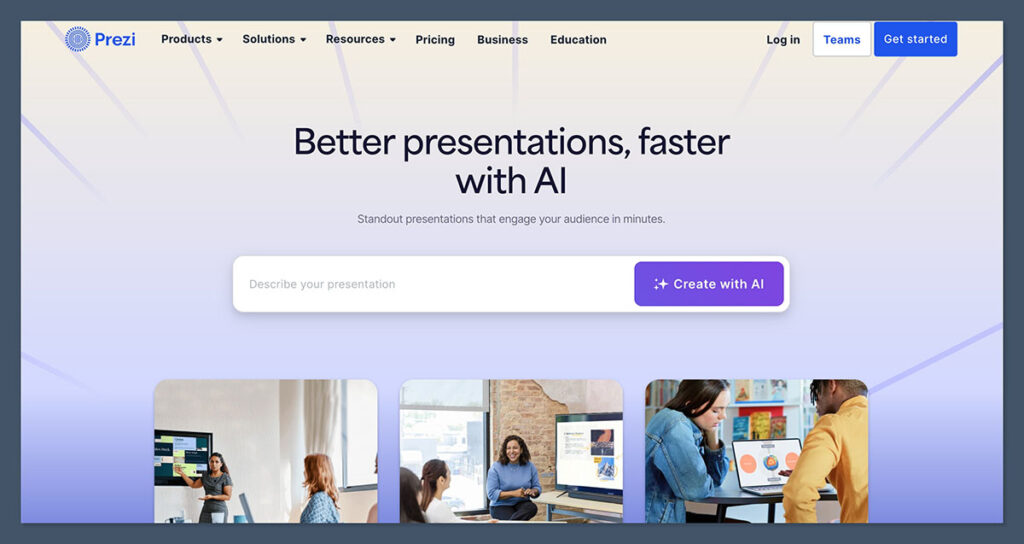
Both platforms use artificial intelligence, but they apply it to different parts of the presentation workflow.
Slidesgo AI Tools
Slidesgo offers a set of AI tools focused on presentation creation. These include:
- An AI-powered presentation generator
- Title and topic suggestions
- Auto-generated layouts and design themes
- Integration with Google Slides and PowerPoint for faster editing
These tools are built for speed. If you need to create a clean, branded presentation in under an hour, Slidesgo’s AI tools are designed to help you get there with minimal design effort.
Prezi AI Features
Prezi focuses more on AI for delivery and engagement. Its main tools include:
- Prezi Video, which lets you appear alongside your content while presenting or recording
- Analytics tools that track viewer engagement, including drop-off points and watch time
- Video formatting and screen-sharing overlays for live and asynchronous presentations
Prezi’s use of AI is more sophisticated in terms of audience insights. You’re not just building a deck — you’re delivering a performance and tracking its impact.
The Winner
Prezi wins if you care about audience engagement and analytics.
Slidesgo’s AI is great for fast creation, but Prezi gives you more control during and after the presentation.
Best for Workflow and Ease of Use: Slidesgo
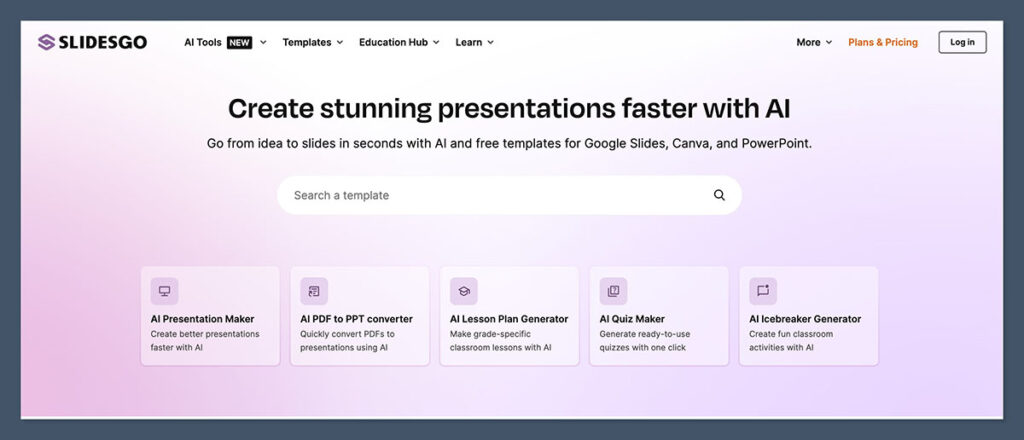
Editing presentations is very different across the two platforms.
Slidesgo Editing Workflow
Slidesgo lets you download templates and open them in software you already use. This includes:
- Google Slides
- Microsoft PowerPoint
- Canva
Once you pick a template, you can immediately start customizing it. You don’t need to learn any new software or switch platforms.
This makes it easy to slot Slidesgo into your existing workflow, whether you’re creating internal decks, sales presentations, or lesson plans.
Prezi Editing Workflow
Prezi requires you to build and present directly inside its own software. It uses a zoomable canvas instead of traditional slides. This means:
- You create “topics” that zoom in and out as you present
- The layout feels more like a mind map than a slide deck
- Prezi Video lets you present while recording yourself alongside your content
It’s powerful, but takes more time to learn.
The Winner
Slidesgo wins for ease of use. Its templates are plug-and-play and work in platforms you already know.
Best for Presentation Design: Slidesgo
If you care about visuals and don’t want to start from scratch, Slidesgo has a clear edge in the design department.
Slidesgo Template Library
Slidesgo offers:
- Over 18,000 templates across business, education, marketing, and more
- Dozens of fresh designs added weekly
- Full compatibility with Canva, Google Slides, and PowerPoint
- Templates that include icons, charts, infographics, and pre-styled layouts
Design-wise, the templates are modern, professional, and easy to adapt to your brand. Even on the free plan, you get a wide variety of looks and layouts.
Prezi Templates and Themes
Prezi does offer templates, but they’re designed more for interactive storytelling than static slides. You can expect:
- Clean, minimal templates with zoom paths already built in
- Less variety overall, but more focused on movement and structure
- Prezi Video themes to help blend video and content presentation
The downside is that Prezi templates are harder to edit and take longer to customize. The zoom-based layout isn’t ideal for all topics or audiences.
The Winner
Slidesgo wins for template variety and ease of design. Prezi’s templates are unique but limited and more complex to edit.
Best for Video Presenting: Prezi
If video is a big part of your workflow, Prezi is the better option.
Prezi Video Features
With Prezi Video, you can:
- Present live with your face on screen next to your content
- Record video presentations to send asynchronously
- Use screen sharing and webcam overlays
- Integrate with tools like Zoom, Microsoft Teams, and Webex
This makes Prezi especially powerful for:
- Webinars
- Online classes
- Remote team meetings
- Sales presentations
Prezi lets you create more engaging and personalized videos, giving you a big edge if you’re presenting virtually.
Slidesgo Video Options
Slidesgo does not offer built-in video features. You can use their templates to build decks, then present them in Zoom or other tools, but there’s no integrated video support.
The Winner
Prezi wins for video presentation features. It’s built for live and recorded video delivery, where Slidesgo is strictly for slides.
Best for Analytics and Tracking: Prezi
If you want to know how your presentations perform after they’re shared, Prezi has built-in analytics on its Premium plan.
You can track:
- Viewer engagement time
- Click-through rates
- Drop-off points in your presentation
- Presentation reach and viewer actions
This is especially useful for sales teams, educators, or anyone delivering content remotely who needs to measure effectiveness.
Slidesgo doesn’t offer analytics of any kind, as it’s purely a template service.
The Winner
Prezi wins for analytics and audience insights. Slidesgo doesn’t provide tracking or feedback tools.
Pricing Comparison
Let’s break down what you’ll actually pay for both platforms.
Slidesgo Pricing
| Plan | Monthly Cost (USD) | Key Features |
|---|---|---|
| Free | $0 | Access to free templates, must keep credits slide |
| Premium | Around $5.99/month | 15,000+ templates, AI tools, no ads, no credits |
Prices are billed annually, and may vary based on location.
Prezi Pricing
| Plan | Monthly Cost (USD) | Key Features |
|---|---|---|
| Standard | $7 | Presentation builder, templates |
| Plus | $19 | Offline access, Prezi Video, export options |
| Premium | $29 | All features including analytics and support |
Prezi offers a 14-day free trial on paid plans. No credit card is needed to try it out.
The Winner
Slidesgo wins for affordability.
Prezi is more expensive, especially if you want video and analytics features.
Best Use Cases for Each Tool
Still unsure? Here’s when to pick each one based on your specific needs.
Choose Slidesgo If You:
- Want to create beautiful presentations quickly
- Use Google Slides, PowerPoint, or Canva regularly
- Don’t want to learn a new platform
- Need a large variety of pre-made designs
- Care more about speed and polish than interactive delivery
Choose Prezi If You:
- Want presentations to feel more like stories or walkthroughs
- Need built-in video tools for live or recorded delivery
- Care about tracking who views your presentation and how
- Are comfortable learning a new platform
- Want to stand out with non-traditional presentation formats
Final Verdict: Which Presentation Tool Is Better?
Here’s the bottom line.
Slidesgo is the best option if you value speed, design variety, and simplicity. It fits seamlessly into your workflow and gives you beautiful results without a lot of effort.
Prezi is the stronger choice if you’re focused on engagement, storytelling, and video delivery. It takes more time to learn but gives you powerful features that static slides can’t match.
For most users, Slidesgo will be the better day-to-day tool. But if you’re delivering high-stakes presentations or want to create an impact on video, Prezi is worth the extra time and money.