Best Slidesgo Alternatives: The 7 Best Options To Try in 2026
After researching and comparing presentation tools, I found the best Slidesgo alternatives to use in 2026 are Canva for design flexibility, Beautiful.ai for AI-powered automation, and Visme as the strongest overall alternative.
While Slidesgo remains a popular choice for free presentation templates (with over 15,000 options in its library) these alternatives excel in specific areas like AI content generation, team collaboration, or specialized use cases like education.
Best Overall: Canva
★★★★½
- 100M+ stock photos, videos, and audio on Pro
- Magic Design AI features for fast creation
- Goes way beyond just presentations
- Free plan available · Pro from $15/month
Best for AI Automation: Beautiful.ai
★★★★
- Smart slides auto-adjust as you add content
- 60+ intelligent slide templates
- Clean PowerPoint exports
- Free tier available · Paid plans for teams
Best for Educators: SlidesMania
★★★★
- Gamified, interactive templates
- 100% free, no strings attached
- Hand-crafted, personal aesthetic
- 100% Free
Best for Dynamic Storytelling: Prezi
★★★★
- Non-linear, zoomable canvas
- AI content generation from prompts
- Video overlay for on-camera delivery
- Free tier · Plans from $7/month
Key Takeaways 🔍
- Canva excels for design flexibility, offering a full creative suite beyond just presentations
- Beautiful.ai is the top pick if you want AI to handle design decisions for you automatically
- Gamma can generate complete presentations from a single prompt—ideal if you’re short on time
- Visme is the top-rated Slidesgo alternative on G2, with strong data visualization and infographics tools
- SlidesMania is a cult favorite among teachers, offering gamified and interactive templates for free
- To choose a Slidesgo alternative, consider whether you need AI features, team collaboration, free access, or specialized templates for your field
I’ve recently updated this page to ensure all information and pricing reflects 2026 changes. Several platforms have introduced new AI features and adjusted their pricing since last year, so this has been reflected throughout.
Is Slidesgo actually the best presentation template platform?
Slidesgo is one of the most popular sources for free Google Slides and PowerPoint templates, and for good reason—it has a massive library of over 15,000 designs spanning dozens of categories. If you need a quick, attractive template without paying anything, it’s hard to beat.
However, the “best” platform is subjective. If you want AI to generate your entire presentation, Gamma or Beautiful.ai will serve you better.
If you need advanced data visualization, Visme or WinSlides are stronger options. And if you’re a teacher wanting interactive, gamified slides, SlidesMania has Slidesgo beat.
The best alternative completely depends on your needs and workflow.
Slidesgo Alternatives: Side-by-Side Comparison
For a quick comparison between each alternative, you can refer to the table below:
| Alternative | Best For | Pricing | Free Plan? | Key Differentiator |
|---|---|---|---|---|
| Canva | All-in-one design | Free – $15/mo | Yes (2M+ templates) | Full creative suite beyond slides |
| Beautiful.ai | AI automation | Paid (free trial) | Free tier | Smart slides that auto-adjust |
| Gamma | AI content generation | Freemium | Yes (limited credits) | Full presentations from a prompt |
| Visme | Overall alternative | $12.25 – $59/mo | Yes (Basic plan) | Visual communication + data viz |
| Prezi | Dynamic storytelling | From $7/mo | Free tier | Non-linear zoomable canvas |
| WinSlides | Business & data | Paid | No | Data visualization focus |
| SlidesMania | Education | 100% Free | Yes | Gamified, interactive templates |
1. Canva: For Design Flexibility & All-in-One Creation
- Best for: Non-designers, content creators, and teams needing tools beyond presentations
- Canva pricing: Free – $15/month (Pro), Teams from $10/user/month
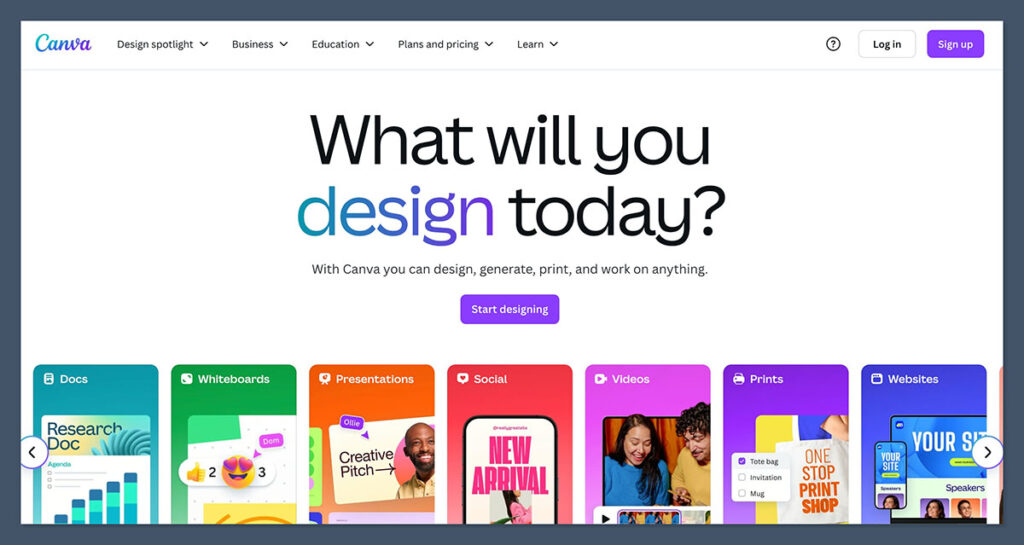
Canva is the best Slidesgo alternative if you want a platform that does everything. It’s not just a presentation tool—it’s a full creative suite covering social media graphics, videos, documents, whiteboards, and more.
For presentations specifically, it offers an enormous template library alongside Magic Design AI features that can generate slide designs from a text prompt or uploaded image.
Where Slidesgo gives you a static template and sends you off to Google Slides or PowerPoint, Canva keeps you inside its own editor.
That’s a trade-off, honestly. You get way more design flexibility—drag-and-drop everything, 100M+ stock assets on Pro—but you’re also somewhat locked into Canva’s ecosystem. Though to be fair, it does export cleanly to PowerPoint and Google Slides.
✔️ What Canva Does Well
- Canva’s template library is enormous, covering presentations, social media, print materials, and more—making it a one-stop shop for any visual content you need.
- Its Magic Design, Magic Expand, and Magic Media AI features make creating polished presentations fast, even if you have zero design experience.
- Real-time collaboration and brand kits let teams stay consistent without constantly emailing files back and forth.
✖️ Where Canva Could Improve
- Canva’s free plan is generous, but the best stock assets and AI features are locked behind the $15/month Pro plan. The upgrade pressure is real.
- If you’re used to working natively in PowerPoint or Google Slides, Canva’s editor can feel like an extra step—even though exports are solid, they’re not always pixel-perfect.
- The sheer number of templates and features can feel overwhelming when you just need a quick presentation. Sometimes less is more.
How Much Does Canva Cost?
- Free plan with 2M+ templates and 5GB storage
- Pro: $15/month or $120/year
- Teams: $10/user/month (min. 3 users)
- Enterprise: Custom pricing
| Plan | Price | Key Features |
|---|---|---|
| Free | $0 | 2M+ templates, 5GB storage, basic AI tools, export to PPTX |
| Pro | $15/mo ($120/yr) | 100M+ stock assets, 100GB storage, Magic Design, brand kits, background remover |
| Teams | $10/user/mo ($100/yr) | Everything in Pro + team collaboration, brand controls, workflow approvals |
Canva’s Key Differences From Slidesgo
Canva Is a Full Design Ecosystem, Not Just Templates
This is the biggest difference. Slidesgo gives you a template and points you to Google Slides or PowerPoint.
Canva gives you the template and the editor and the stock photos and the AI tools and the collaboration features—all in one place. If your work involves creating more than just presentations (social posts, reports, marketing materials), this makes Canva an obvious upgrade.
Canva’s AI Features Go Beyond What Slidesgo Offers
Slidesgo recently added some AI features, but Canva’s Magic Design suite is in a different league.
You can generate an entire presentation from a prompt, auto-resize designs for different platforms, remove backgrounds with one click, and use AI to expand images. It’s particularly handy when you’re repurposing a presentation into other formats—something Slidesgo simply doesn’t do.
2. Beautiful.ai: For AI-Powered Design Automation

- Best for: Business professionals and teams needing consistent, polished presentations fast
- Beautiful.ai pricing: Free tier available; paid plans for teams
Beautiful.ai takes a fundamentally different approach from Slidesgo.
Instead of handing you a static template and hoping you don’t mess up the formatting, it uses AI to handle layout decisions automatically. Add a bullet point? The spacing adjusts. Drop in an image? The slide rebalances itself.
It’s the kind of thing that sounds gimmicky until you actually use it and realize you haven’t touched alignment tools once.
There are 60+ smart slide templates, and “smart” isn’t just marketing speak here—they genuinely adapt as your content changes.
It’s less creative freedom than something like Canva, but that’s kind of the point. If you’re making recurring pitch decks, reports, or team updates and want them to look consistent without babysitting the design, Beautiful.ai is worth a serious look.
✔️ What Beautiful.ai Does Well
- Smart slides dynamically adjust layout, spacing, and formatting as you add or remove content—no manual fiddling required.
- Clean PowerPoint exports with predictable formatting, which matters if you’re sharing decks with clients who don’t use the platform.
- Real-time collaboration tools make it easy for teams to work on presentations together without version control headaches.
✖️ Where Beautiful.ai Could Improve
- The template library is much smaller than Slidesgo’s 15,000+ options. You’re trading volume for intelligence, which isn’t always the trade-off you want.
- Creative control is intentionally limited—the AI handles design decisions, which can feel restrictive if you have specific layout preferences.
- Free tier is quite limited compared to what Canva or Slidesgo offer at no cost.
Beautiful.ai’s Key Differences From Slidesgo
Beautiful.ai Automates Design Instead of Just Providing Templates
This is the core distinction. Slidesgo gives you a beautiful starting point—but the moment you start editing, you’re on your own.
Move an element, and suddenly your text is overlapping your image. Beautiful.ai’s approach eliminates that problem entirely. The AI maintains professional quality as you make changes, which is a huge time saver for teams producing presentations regularly.
Beautiful.ai Trades Template Volume for Consistency
Slidesgo wins on sheer numbers—15,000+ templates across every category imaginable. Beautiful.ai can’t compete there. But where it does win is output consistency.
Every presentation looks polished because the system won’t let you create something that looks bad. For brand-conscious teams, that guardrail is actually a feature, not a limitation.
3. Gamma: For AI-Generated Content
- Best for: Users who need fast presentations with minimal manual effort
- Gamma pricing: Free tier with limited credits; paid plans for extended features
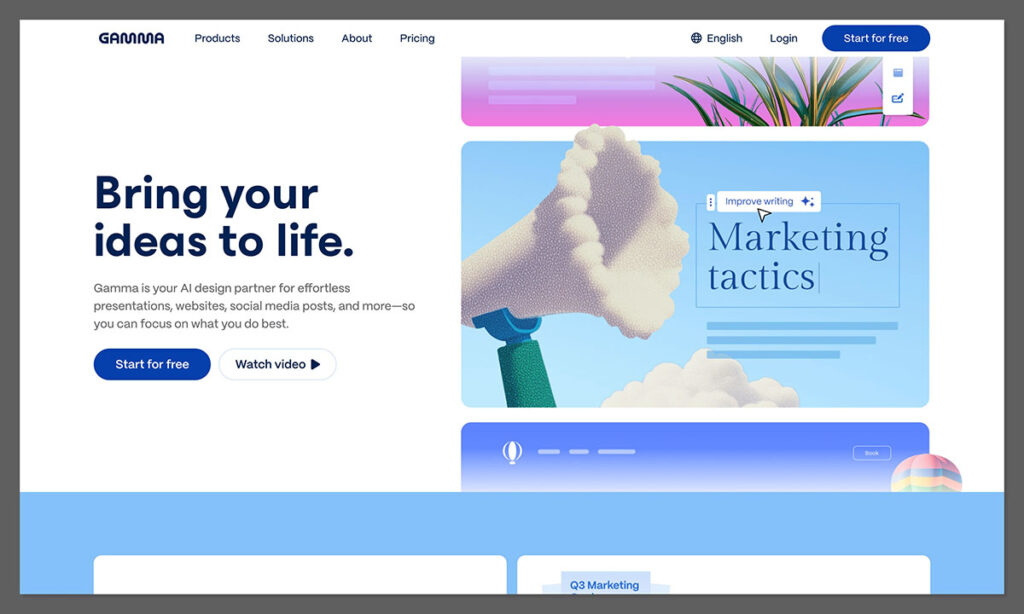
Gamma is the most “AI-forward” option on this list. While other tools use AI to help with design or suggest layouts, Gamma generates complete presentations—content included—from a simple text prompt or uploaded document.
Type something like “quarterly marketing review for a SaaS company” and you’ll get a full deck with text, images, and formatting. It’s not perfect every time, obviously, but as a starting point it’s remarkably good.
The platform also supports interactive elements like embedded videos, GIFs, and responsive charts, which is something you won’t get from a static Slidesgo template. And the no-code customization means you can tweak everything with drag-and-drop after the AI does its thing.
✔️ What Gamma Does Well
- AI generates both content and design from simple prompts—just describe what you need and Gamma builds it for you.
- Interactive elements (videos, GIFs, responsive charts) make presentations more engaging than traditional static slides.
- One-click formatting automatically adjusts text, images, and spacing, removing the design guesswork.
✖️ Where Gamma Could Improve
- AI-generated content needs review and editing—it’s a strong starting point, but you shouldn’t present it as-is without checking accuracy and tone.
- The free tier’s credit system means you’ll hit limits fairly quickly if you’re creating presentations regularly.
- Export options are currently limited to links and PDFs—no native PowerPoint export, which could be a dealbreaker for some workflows.
🚨 One thing worth noting… Gamma works best when your prompt is specific. Vague prompts like “make a presentation about marketing” produce generic results.
But when I gave it something like “10-slide pitch deck for a B2B SaaS product targeting mid-market companies, emphasizing ROI and integration ease”—the output was surprisingly usable with minimal editing. Spend an extra 30 seconds on your prompt and you’ll save 30 minutes on editing.
Gamma’s Key Differences From Slidesgo
Gamma Creates Content, Not Just Designs
This is the fundamental difference. Slidesgo gives you a visually appealing empty (or semi-filled) template—you still need to write all the content yourself.
Gamma generates the text, picks the images, and structures the narrative. It’s a different category of tool entirely, aimed at people who don’t just want a nice-looking shell but need help with what to say too.
Gamma’s Output Is Interactive, Not Static
A Slidesgo template becomes a standard Google Slides or PowerPoint file—linear slides, one after another. Gamma’s presentations can include embedded videos, GIFs, clickable elements, and responsive charts.
If you’re presenting in a setting where engagement matters (think sales calls, workshops, webinars), that interactivity makes a noticeable difference.
4. Visme: Best Overall Alternative
- Best for: Professionals needing comprehensive visual communication tools
- Visme pricing: Free (Basic) – $24.75/month (Pro, billed annually)
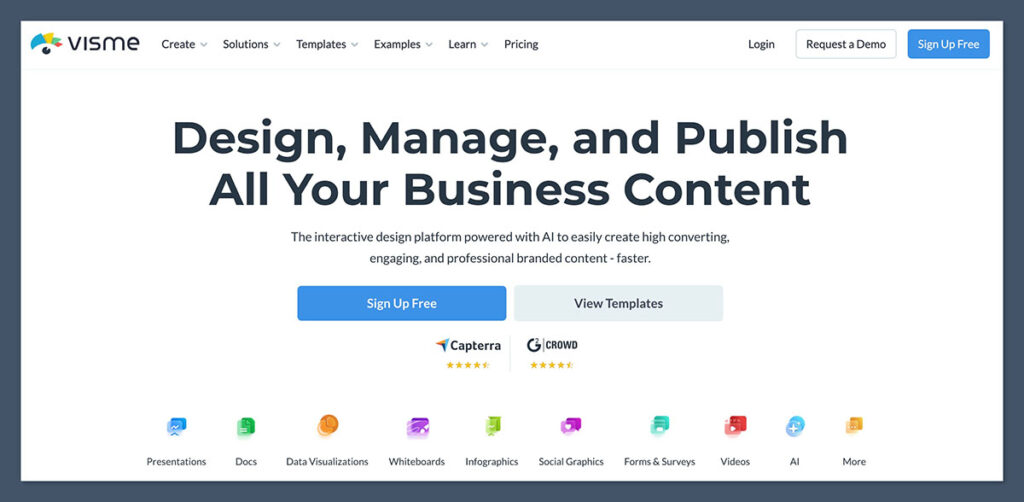
According to G2 rankings, Visme is the top-rated Slidesgo alternative—and having spent time with it, I can see why. It’s not just a presentation maker; it’s a visual communication platform that handles infographics, reports, charts, data widgets, and interactive content alongside standard slide decks.
If “presentation” is a small part of what you actually need to create visually, Visme covers more ground than almost any other tool here.
The template library is solid (thousands of editable options), and you get access to a 5M+ photo library plus 2M+ video and audio assets. The AI credits for content generation are a nice addition too, though they’re metered on all plans.
✔️ What Visme Does Well
- Visme offers the broadest set of visual communication tools—presentations, infographics, reports, charts, and interactive content all in one platform.
- Advanced charts and data widgets make it a standout for anyone who needs to present complex data clearly. This is where it genuinely beats Slidesgo.
- Full PPTX downloads mean you can export to PowerPoint without losing formatting, which is essential for corporate environments.
✖️ Where Visme Could Improve
- The free plan is quite limited—500MB storage and only 10 AI credits. You’ll likely need the Starter plan ($12.25/month) at minimum for serious use.
- The interface has a steeper learning curve than Canva or Slidesgo. It’s powerful, but it takes a bit longer to feel comfortable navigating everything.
- Some of the best templates and assets are locked behind the Pro plan at $24.75/month (or $59/month if billed monthly), which adds up.
How Much Does Visme Cost?
| Plan | Price (Annual) | Key Features |
|---|---|---|
| Basic (Free) | $0 | 500MB storage, 10 AI credits, unlimited projects, limited templates |
| Starter | $12.25/mo | More storage, additional AI credits, premium templates, PPTX export |
| Pro | $24.75/mo | Full asset library, brand kits, analytics, team features, priority support |
💡 Top Tip If you’re mainly creating presentations and don’t need Visme’s infographic or data visualization tools, Canva’s free plan might be the better value. Visme really shines when you need to turn complex data into visual content—that’s its sweet spot.
5. Prezi: For Non-Linear, Dynamic Presentations
- Best for: Educators, sales professionals, and presenters who need to tell a story
- Prezi pricing: Free tier available; paid plans from $7/month
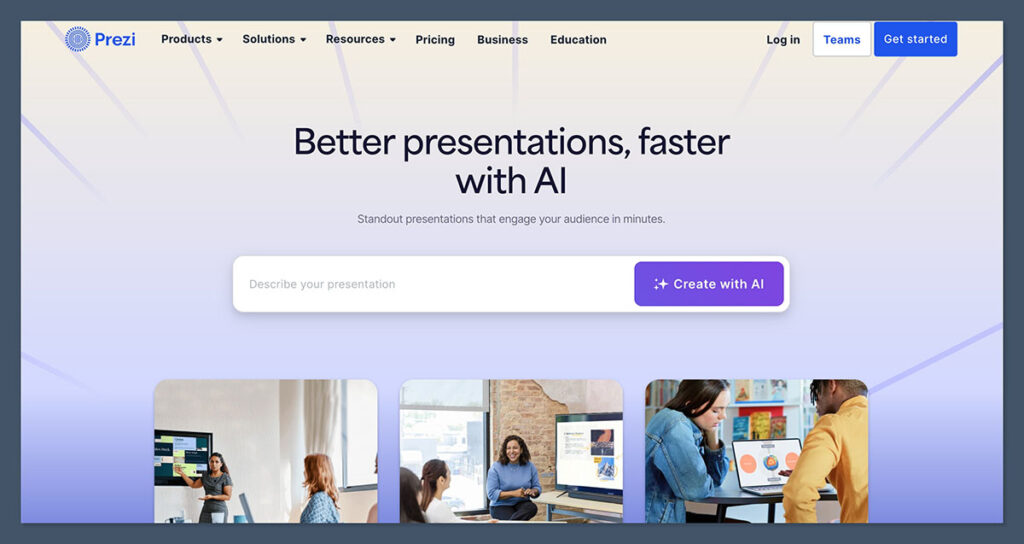
Prezi is the odd one out on this list—and I mean that as a compliment. While every other alternative here works with traditional slides (one after another, left to right), Prezi uses a zoomable canvas where you navigate between frames.
It’s more like exploring a visual map than clicking through a deck. Done well, it creates genuinely memorable presentations. Done poorly… it can make your audience a bit seasick.
The platform has come a long way from its early days. Recent updates added AI-powered content generation from prompts or uploaded files, AI image generation, automatic branding, and new design tools like 40+ shape crops and inline text highlighters.
The video overlay feature—where you appear on camera alongside your content—is particularly useful for remote presentations and webinars.
✔️ What Prezi Does Well
- The non-linear format creates memorable, visual storytelling experiences that genuinely stand out from the standard slide-after-slide approach.
- AI-powered content generation and automatic branding features have made Prezi much faster to use than it was even a couple of years ago.
- The video overlay feature is excellent for remote presentations—you can show your content while appearing on camera simultaneously.
✖️ Where Prezi Could Improve
- There’s a real learning curve. If you’re used to PowerPoint or Google Slides, Prezi’s canvas-based approach takes time to master and isn’t always intuitive.
- Not every presentation should be non-linear. For straightforward informational content, Prezi’s format can feel like overkill—or worse, distracting.
- Sharing presentations with people who don’t have Prezi can be clunky compared to just sending a PPTX file.
Prezi’s Key Differences From Slidesgo
Prezi Rethinks the Entire Presentation Format
Slidesgo works within the existing Google Slides and PowerPoint frameworks. Prezi throws that framework out entirely. Instead of slide 1 → slide 2 → slide 3, you’re zooming around a visual canvas, moving between interconnected ideas.
It’s particularly effective for sales presentations and educational content where you need to show how different concepts relate to each other—something linear slides just can’t do as well.
Prezi’s Video Overlay Changes How You Present Remotely
This is a feature no other tool on this list offers in the same way. With Prezi Video, you appear on camera with your content displayed alongside or behind you. In a world where so many presentations happen over Zoom or Teams, this is a meaningful advantage over downloading a Slidesgo template and sharing your screen.
6. WinSlides: For Business & Data Visualization
- Best for: Business professionals, analysts, and data-heavy presentations
- WinSlides pricing: Paid plans (no free tier)
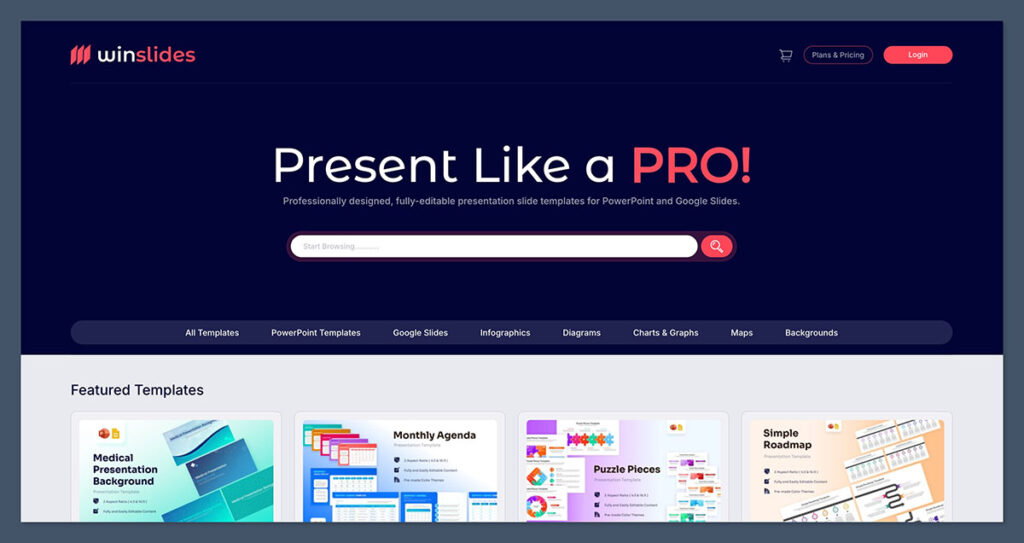
WinSlides is a quieter name on this list, but it fills a specific gap that Slidesgo doesn’t. While Slidesgo’s templates lean toward decorative illustrations and visually striking designs, WinSlides prioritizes usability and business logic.
Think editable diagrams, professional infographics, and chart templates designed to make complex data actually understandable.
It’s not the tool for making a creative portfolio or a colorful classroom presentation. But if your job involves turning quarterly reports, market analyses, or financial data into clear, professional slides, WinSlides is purpose-built for that workflow.
✔️ What WinSlides Does Well
- Extensive library of editable diagrams and charts that are designed for actual business use—not just visual flair.
- Professional infographics that make complex information accessible without requiring design skills.
- Business-focused templates optimized for the kind of presentations that happen in boardrooms and strategy meetings.
✖️ Where WinSlides Could Improve
- No free tier means you’re committing financially before you can properly evaluate the platform—unlike Slidesgo where everything starts free.
- The design aesthetic is functional rather than eye-catching. If you need creative, visually striking slides, look elsewhere.
- Limited to business presentation use cases. Teachers, creatives, and non-corporate users won’t find much here.
WinSlides’ Key Differences From Slidesgo
WinSlides Prioritizes Data Over Decoration
Slidesgo templates are designed to look beautiful first and convey information second. WinSlides flips that priority. Its templates are built around making data clear and actionable—the charts are editable, the diagrams are functional, and the layouts are optimized for complex information.
It’s a different philosophy entirely, and for business users, it’s often the more practical one.
7. SlidesMania: For Educators & Gamified Templates
- Best for: Teachers, educators, and interactive classroom presentations
- SlidesMania pricing: 100% Free
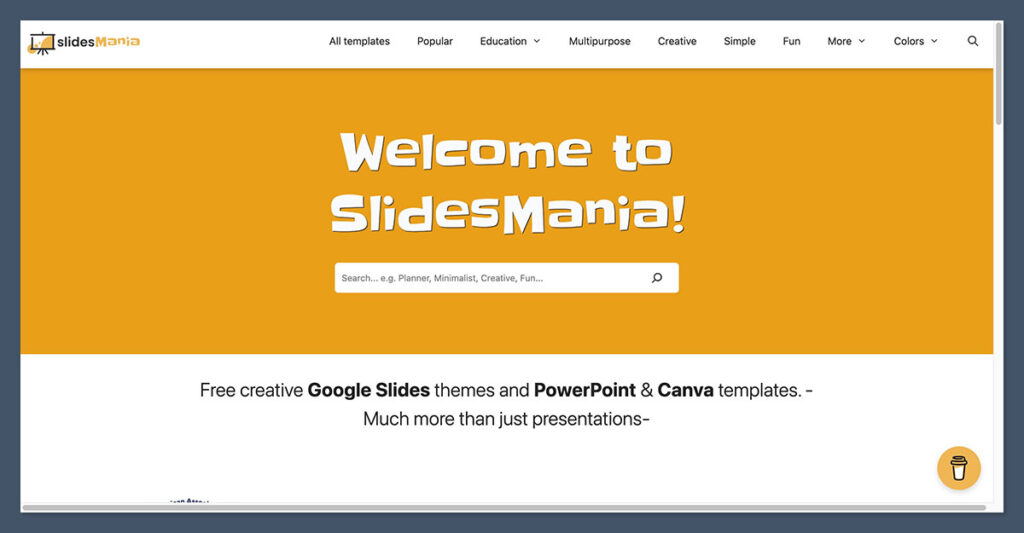
SlidesMania is a cult favorite among teachers, and once you browse the template library you’ll understand why. Where Slidesgo’s educational templates tend to be polished but standard, SlidesMania goes all-in on creativity.
You’ll find Jeopardy-style game templates, digital notebooks, interactive quizzes, and skeuomorphic designs that look like physical objects—ring binders, chalkboards, sticky notes. It’s the kind of stuff that gets students actually engaged instead of zoning out at slide five.
Everything on SlidesMania is completely free. No premium tier, no credit limits, no “upgrade for the good stuff” prompts.
The templates feel hand-crafted and personal in a way that mass-produced alternatives don’t. The trade-off? You won’t find rigid corporate templates here. This is firmly educational and creative territory.
✔️ What SlidesMania Does Well
- Gamified templates—Jeopardy games, interactive quizzes, digital notebooks—are genuinely unique and something you won’t find on Slidesgo or most competitors.
- 100% free with no hidden costs. No sign-up walls, no premium upsells. Everything is accessible immediately.
- The hand-crafted aesthetic feels personal and creative, standing out from the more polished but generic designs on larger platforms.
✖️ Where SlidesMania Could Improve
- The template library is much smaller than Slidesgo’s, so you might not always find exactly what you need.
- If you need corporate, professional, or business-focused templates, SlidesMania isn’t the place. It’s built for education and creative use.
- No AI features, collaboration tools, or built-in editor—you’re downloading templates and editing them in Google Slides or PowerPoint directly.
🚨 One thing worth noting… SlidesMania’s interactive templates are genuinely impressive for classroom use—but they require Google Slides or PowerPoint to function properly.
Make sure your school’s tech setup supports whichever format you download before building an entire lesson around one of these templates. Most work seamlessly, but a few of the more interactive ones can behave differently across platforms.
SlidesMania’s Key Differences From Slidesgo
SlidesMania Beats Slidesgo on Creativity for Education
Slidesgo has educational templates, sure. But SlidesMania’s templates feel like they were made by teachers for teachers. The gamified formats, interactive elements, and creative designs go beyond what Slidesgo offers in this category. If you’re an educator, SlidesMania should be your first stop—and it won’t cost you anything.
SlidesMania Is Fully Free Without Compromise
Slidesgo is technically free too, but it limits downloads and puts its best templates behind a premium subscription. SlidesMania doesn’t do any of that. Every template is available, fully free, with no account required. For teachers working with tight budgets (so, most teachers), this matters.
Buying Guide: How To Choose a Slidesgo Alternative
Need help choosing your next presentation platform? If you’re currently using Slidesgo and want to switch, here are a few factors to consider first:
👎 What doesn’t Slidesgo do for you? Make sure the alternative you’re switching to actually solves your specific frustration. If you’re tired of manual formatting, Beautiful.ai or Gamma will help. If you need more than just templates, Canva or Visme expand your toolkit. If you want better educational content, SlidesMania is the move.
👍 What do you like about Slidesgo? Before switching, check whether your new platform offers what you currently enjoy. If you love Slidesgo’s massive free template library, make sure the alternative has a comparable free tier—or that the paid features justify the cost.
🤖 How important are AI features? This is the biggest differentiator in 2026. If you want AI to generate content (Gamma), handle design automatically (Beautiful.ai), or assist with creative tools (Canva), prioritize platforms with strong AI capabilities. If you just need great templates, you might not need to pay for AI.
💰 What’s your budget? SlidesMania and Slidesgo’s free tier cost nothing. Canva’s free plan is generous. But tools like Visme, Beautiful.ai, and WinSlides require paid plans for full functionality. Be honest about what you’re willing to spend—and whether the upgrade delivers enough value over free options.
👥 Do you need collaboration? If multiple people work on your presentations, tools like Canva, Beautiful.ai, and Visme offer real-time collaboration that Slidesgo doesn’t provide natively. You’d need to rely on Google Slides’ collaboration features with Slidesgo templates, which works but isn’t as seamless.
How We Evaluated These Slidesgo Alternatives
For this guide, I researched and compared each platform across several key criteria to ensure the recommendations are genuinely useful:
- Template quality & variety (25%): The range, design quality, and diversity of available templates across different industries and use cases.
- Features & functionality (25%): AI capabilities, interactive elements, export options, and tools beyond basic template editing.
- Pricing & value (20%): Cost relative to what you get, including free tier generosity and whether paid plans deliver proportional value.
- Ease of use (15%): How quickly a new user can create a polished presentation without prior experience with the platform.
- Collaboration & sharing (10%): Real-time collaboration features, export compatibility, and how easily presentations can be shared.
- Specialization (5%): How well the platform serves its target audience—whether that’s educators, business professionals, or creative teams.
I also drew from G2 ratings, user reviews, and direct research of each platform’s current features and pricing to ensure accuracy as of early 2026.
Slidesgo Alternatives: Summary
Based on my 2026 research, Canva is the best Slidesgo alternative for most users. It combines a massive template library with AI-powered design tools, real-time collaboration, and a creative suite that extends far beyond presentations.
Of course, Canva won’t be the right alternative for everyone. Here’s a reminder of the other tools and their unique strengths:
- Beautiful.ai’s smart slides automatically handle layout and formatting, making it ideal for teams producing presentations regularly who want guaranteed consistency.
- Gamma is the best choice if you want AI to generate complete presentations—content included—from a simple prompt. Great for speed, though you’ll want to review the output.
- Visme is the top-rated alternative on G2 and excels at visual communication beyond slides, especially data visualization and infographics.
- Prezi’s non-linear, zoomable canvas creates unique storytelling experiences—perfect for sales professionals and educators who want to break the traditional slide mold.
- WinSlides is purpose-built for business and data-heavy presentations, prioritizing clarity over decoration.
- SlidesMania is the educator’s best friend—100% free gamified and interactive templates that get students engaged.
FAQs
Is Slidesgo actually free?
Slidesgo offers a free tier with access to thousands of templates, but it limits the number of downloads per month. For unlimited access and premium templates, you’ll need a Slidesgo Premium subscription or a Freepik Premium plan. Several alternatives on this list—like SlidesMania and Canva’s free plan—offer more generous free access.
What’s the best free Slidesgo alternative?
SlidesMania is the best fully free alternative, offering creative and interactive templates with no registration, no download limits, and no premium tier. Canva’s free plan is another excellent option if you want a broader design toolkit alongside your presentation templates.
Can AI presentation tools really replace templates?
It depends on your needs. Tools like Gamma can generate complete presentations from a prompt, which is faster than starting from a template. But AI-generated content still needs human review for accuracy and tone. For most users, AI tools work best as a starting point that you refine—similar to how you’d customize a template, but with less manual design work required.
Which Slidesgo alternative is best for business presentations?
For data-heavy business presentations, WinSlides or Visme are your strongest options. For consistent, professional decks that your team produces regularly, Beautiful.ai’s smart formatting is hard to beat. If you need a broader platform that also handles other business design needs, Canva Teams is the most versatile choice.
Which alternative is best for teachers?
SlidesMania, without question. Its gamified templates (Jeopardy games, interactive quizzes, digital notebooks) are specifically designed for classroom engagement, and everything is completely free. Canva for Education is another strong option if your school has access, as it provides the Pro plan features at no cost to educators.